 Physically disconnected by default
 Vault by Firevault
Vault: a digital safe deposit box for business.
2TB, 4TB or 8TB of your most valuable files on dedicated hardware in a Firevault bunker. Identity locked to you, physically disconnected when closed and available on demand 24/7 for businesses and professionals. Personal Vaults remain available.
36-month commitment. First payment taken at checkout.
- 4TB dedicated offline storage
- 24/7 on-demand access
- Identity locked access with MFA
- Hardware level AES-256 encryption
- Vault Buddy succession planning
- Setup and ongoing support
Three sizes. One architecture.
Every Vault has the same protection model and 24/7 on-demand access. The choice is capacity.
2TB
Dedicated protection for essential business records, with 24/7 on-demand access.
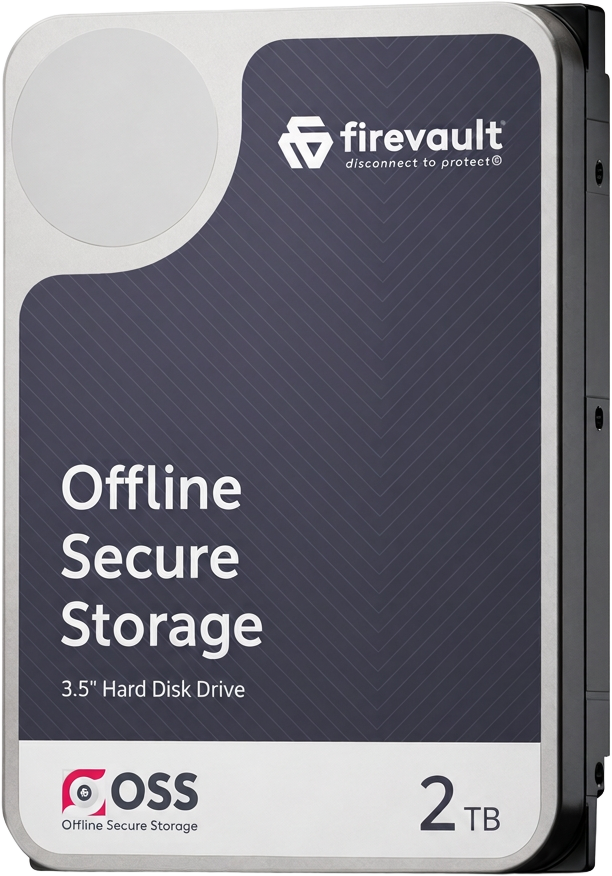
Contracts, company records, financial evidence, client documents and the critical files a small business cannot replace.
4TB
Built for growing businesses and professionals with meaningful room to expand.
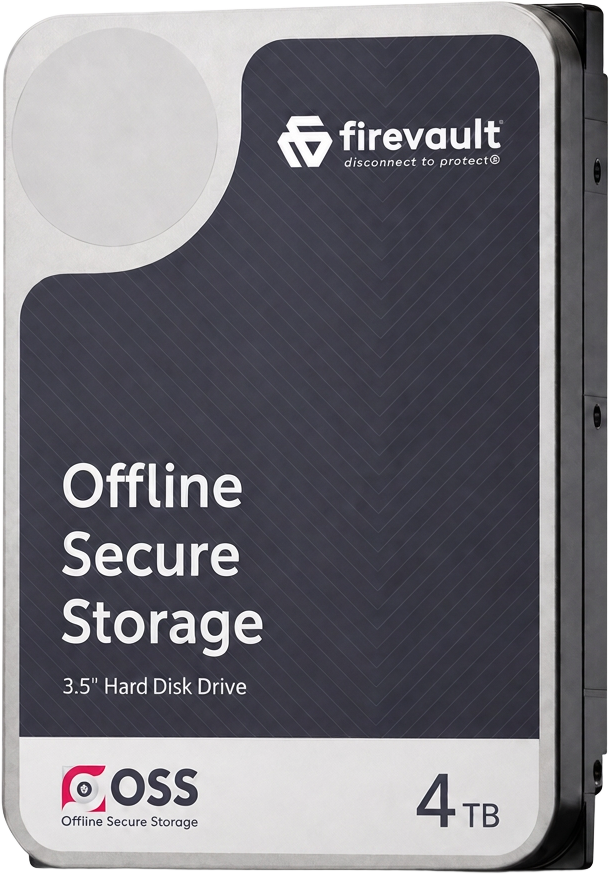
Contracts, board papers, client archives, intellectual property, high resolution media and long-term business records.
8TB
Complete long-term protection for substantial archives and legacy material.
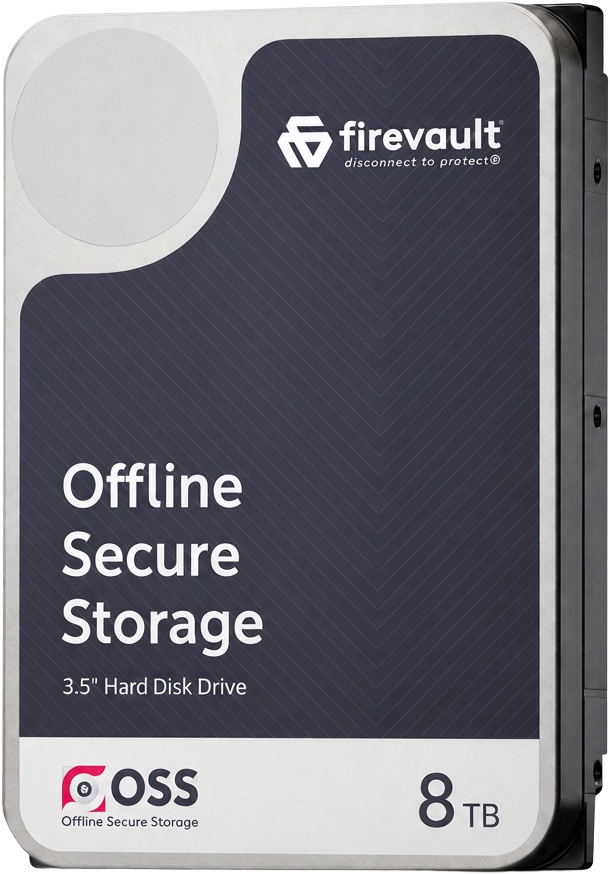
Substantial business archives, creative work, professional records, intellectual property and digital assets accumulated over many years.
Real hardware, dedicated exclusively to you.
Vault can remove the route to your files rather than leaving them permanently reachable behind another login screen.
Dedicated hardware is held in a Firevault bunker and physically connected only for an authorised session.
What Vault is.
A dedicated storage instance that is identity locked to you, physically disconnected by default and available when you authorise access.
- Physical disconnection by default
- Out of band control with no standing network route
- Dedicated hardware allocated exclusively to you
- Stored in secure Firevault bunkers
- Two way access during an authorised session
- Connect in seconds and disconnect when finished
When data needs to be protected, not just recovered. Physics, not promises.
Identity verified, vault opened, connection removed.
Your identity is verified out of band, the Vault is connected for the length of your session, files are retrieved, then the connection is physically removed again. There is no standing route to your files between sessions.
Vault is built on four physical principles.
Every Vault is an Offline Secure Storage® instance. The same four physical principles apply, whichever capacity you choose.


Physical storage
Offline Secure Storage instances are held on dedicated physical hard drives, not in S3 cloud buckets, shared storage pools or multi-tenant infrastructure. Your selected data is assigned to real hardware, with dedicated RAID 1 drives providing resilience.
Physical drives. Dedicated capacity. Never shared.
Explore physical storageThe network path to your Offline Secure Storage instance is physically disconnected by default. It is enabled only by an authorised out-of-band command, then closed again, so there is no standing connection to attack.
Layer 1 disconnection. Out-of-band command. No standing exposure.
Access happens inside a defined window, by named and identity-verified users only. Sessions are time-limited, encrypted and closed automatically, with a complete record of who connected and when.
Named users. Time-limited sessions. Full audit trail.
Your data sits encrypted on dedicated physical drives in a Firevault Bunker, held apart from your live systems, so a compromise of the connected estate does not reach the copy that matters.
Quantum Key Encryption. Dedicated drives. Held apart from live systems.
File Manager, Offline Secure Share and Vault Buddy.
Every Vault includes the same three tools: managing your files, sharing selected files without exposing the rest, and naming who can reach the Vault if you cannot.
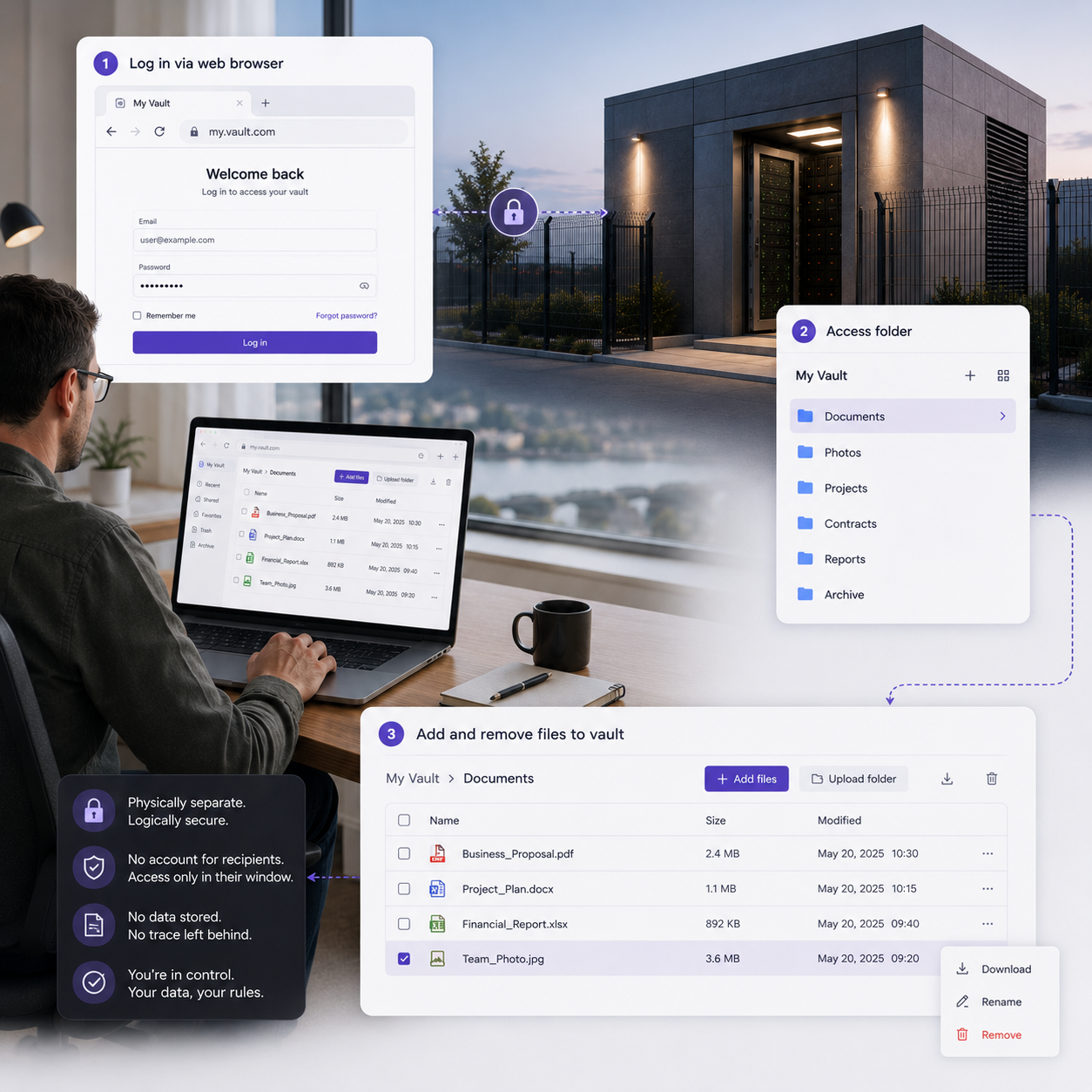
 File Manager
Your files, organised the way you think.
A browser based File Manager during an authorised session. Folders, search, uploads and downloads without specialist software.
From order to protected in five steps.
Create the Vault, register access, unlock it when needed, manage the files and return it offline.
Create your Vault
Complete identity verification and security checks. Dedicated RAID 1 drives are allocated to you in a Firevault bunker.
Verified ownerRegister your device
Save your Vault access contact and configure the issued credentials and multi-factor authentication.
Controlled access routeUnlock your Vault
Authenticate when access is needed. The physical route is enabled for the authorised session only.
On demand, 24/7Manage your files
Upload, organise, search, download and share selected files through File Manager in the browser.
Explore Manage your filesReturn it offline
Close the session and the Vault is physically disconnected again. No route is left waiting.
Offline by defaultBuilt for the files that cannot be replaced.
Use folders and File Manager to structure your Vault around clients, contracts, finance, ownership and critical business records. Personal archives are supported too.
Passports, licences and certificates.
Wills, contracts and legal records.
Tax records, statements and investments.
Deeds, valuations and proof of ownership.
Contracts, references and career evidence.
Records and memories that cannot be replaced.
Recovery keys and high value credentials.
Personal records, photos, video and family archives.
Full specification, side by side.
Everything that changes between sizes, and everything that stays the same.
| Specification | 2TB | 4TBMost chosen | 8TB |
|---|---|---|---|
| Usable capacity | 2TB | 4TB | 8TB |
| Monthly price inc VAT | £360 | £480 | £600 |
| Monthly price ex VAT | £300 | £400 | £500 |
| Cost per day | £12/day | £16/day | £20/day |
| Photos (approx.) | 500,000+ | 1,000,000+ | 2,000,000+ |
| 4K video (approx.) | 330+ hrs | 660+ hrs | 1,300+ hrs |
| Documents (approx.) | 4M+ | 8M+ | 16M+ |
| Access model | 24/7 on-demand | 24/7 on-demand | 24/7 on-demand |
| Default state | Physically disconnected | Physically disconnected | Physically disconnected |
| Hardware | Dedicated RAID 1 drives | Dedicated RAID 1 drives | Dedicated RAID 1 drives |
| Encryption | Hardware level AES-256 | Hardware level AES-256 | Hardware level AES-256 |
| Vault Buddy succession | Included | Included | Included |
| Dedicated Account Manager | Not included | Not included | Included |
| Minimum commitment | 36 months | 36 months | 36 months |
| Checkout | Choose 2TB | Choose 4TB | Choose 8TB |
Real hardware, not a cancellable software licence.
Firevault buys and allocates a physical hard drive exclusively to you. After the fixed plan you can renew monthly or retrieve the drive. An upgrade to a larger Vault can also include migration of the stored data. The first payment is taken at checkout.
Before you order.
Everything that should be settled before you reach the checkout page for your chosen size.
Protect the files that define your life.
Choose 2TB, 4TB or 8TB of dedicated Offline Secure Storage®. Identity locked, physically disconnected when closed, available on demand 24/7.
36-month commitment · £0 due today Offline by default