






Problem 1
Persistent jump paths.
Paths opened for a one-off task tend to stay open. They become part of the environment, available to anyone who later finds them, attacker or otherwise.


 Control module · Fire layer
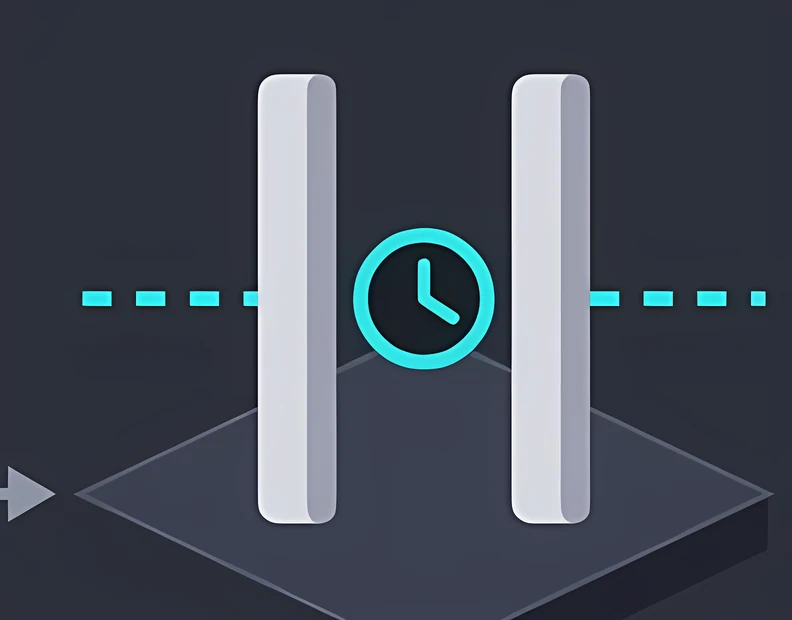
Relay turns access from a permanent state into a temporary, purposeful event. A connection exists for the work that needs it, under the conditions that suit it, for the window it requires, and then it does not.
As featured in
'%3e%3cpath%20fill='%23E40784'%20d='M141.363%2026.6a5.905%205.905%200%200%201-5.899-5.9%205.905%205.905%200%200%201%205.899-5.895%205.901%205.901%200%200%201%205.895%205.895%205.9%205.9%200%200%201-5.895%205.9Zm0-8.347a2.448%202.448%200%200%200%200%204.895%202.449%202.449%200%200%200%202.447-2.448%202.449%202.449%200%200%200-2.447-2.447ZM141.363%200c-.821%200-1.638.052-2.447.144v3.731a16.897%2016.897%200%200%201%202.447-.177c9.373%200%2017.002%207.626%2017.002%2017.002%200%20.825-.063%201.642-.177%202.448h3.732c.095-.81.143-1.627.143-2.448%200-11.411-9.285-20.7-20.7-20.7Z'/%3e%3cpath%20fill='%23E40784'%20d='M141.363%207.268c-.825%200-1.645.077-2.447.228v3.787a9.733%209.733%200%200%201%202.447-.313c5.369%200%209.734%204.368%209.734%209.734%200%20.832-.107%201.652-.313%202.447h3.783c.151-.802.228-1.623.228-2.447.004-7.412-6.024-13.436-13.432-13.436Z'/%3e%3cpath%20fill='%230F1729'%20d='M71.382%207.537h-2.84a5.82%205.82%200%200%200-5.815%205.818v9.785h4.037v-9.789a1.78%201.78%200%200%201%201.777-1.777h2.841V7.537ZM80.539%2019.1a3.787%203.787%200%200%201-3.783-3.784%203.787%203.787%200%200%201%203.783-3.783%203.787%203.787%200%200%201%203.783%203.784%203.787%203.787%200%200%201-3.783%203.783Zm0-11.6c-4.313%200-7.82%203.507-7.82%207.82%200%204.313%203.507%207.82%207.82%207.82%201.372%200%202.66-.357%203.78-.982v.982h4.036V15.32c.004-4.313-3.503-7.82-7.816-7.82ZM41.806%2018.71a5.512%205.512%200%200%201-4.34%202.1%205.55%205.55%200%200%201-5.541-5.541%205.55%205.55%200%200%201%205.542-5.543c1.696%200%203.279.766%204.339%202.102l.088.114%201.656-1.656-.077-.092a7.865%207.865%200%200%200-6.01-2.797c-4.339%200-7.871%203.533-7.871%207.872s3.532%207.871%207.871%207.871a7.865%207.865%200%200%200%206.01-2.797l.077-.091-1.656-1.656-.088.113ZM19.479%207.397c-4.34%200-7.872%203.53-7.872%207.872%200%204.342%203.533%207.871%207.872%207.871a7.883%207.883%200%200%200%207.205-4.71l.081-.18H24.15l-.037.058a5.543%205.543%200%200%201-10.05-1.873h13.2l.015-.11c.048-.357.073-.714.073-1.053%200-4.346-3.529-7.875-7.871-7.875Zm-5.417%206.705a5.54%205.54%200%200%201%205.417-4.376%205.54%205.54%200%200%201%205.417%204.376H14.06ZM46.192%2023.14h2.33v-8.847a4.599%204.599%200%200%201%204.593-4.592%204.599%204.599%200%200%201%204.592%204.592v8.844h2.33v-9.149h-.008a6.887%206.887%200%200%200-2.082-4.648%206.89%206.89%200%200%200-4.832-1.972%206.863%206.863%200%200%200-4.593%201.751V.545h-2.33V23.14ZM2.686%207.393H0v2.33h2.686v8.471a4.944%204.944%200%200%200%204.94%204.939h2.435v-2.33H7.625a2.613%202.613%200%200%201-2.609-2.612V9.726h3.772v-2.33H5.016V1.84h-2.33v5.553ZM101.968%208.457a7.721%207.721%200%200%200-2.547-.858c-.088-.014-.177-.03-.265-.04-.1-.011-.199-.022-.302-.03a9.993%209.993%200%200%200-.574-.029c-.022%200-.04-.004-.062-.004h-.037c-4.313%200-7.82%203.507-7.82%207.82%200%204.313%203.507%207.82%207.82%207.82h.037c.25%200%20.496-.014.743-.04l.037-.003a7.742%207.742%200%200%200%203.003-.939v.979h4.037L106.005.537h-4.037v7.92Zm0%206.863a3.788%203.788%200%200%201-3.769%203.78%203.786%203.786%200%200%201-3.76-3.78c0-2.08%201.688-3.772%203.764-3.78a3.787%203.787%200%200%201%203.765%203.78ZM119.75%2023.11h4.037V15.299c-.011-4.302-3.515-7.798-7.82-7.798-4.313%200-7.821%203.507-7.821%207.82%200%204.313%203.508%207.82%207.821%207.82%201.372%200%202.66-.357%203.783-.982v.953Zm-3.783-4.01a3.786%203.786%200%200%201-3.783-3.784%203.786%203.786%200%200%201%203.783-3.783%203.79%203.79%200%200%201%203.783%203.78v.003a3.787%203.787%200%200%201-3.783%203.784ZM132.273%207.5a5.824%205.824%200%200%200-5.818%205.818v9.822h4.037v-9.822a1.78%201.78%200%200%201%201.777-1.777h2.841V7.5h-2.837ZM173.736%2020.807a5.534%205.534%200%200%201-5.527-5.527%205.534%205.534%200%200%201%205.527-5.528%205.535%205.535%200%200%201%205.528%205.528%205.535%205.535%200%200%201-5.528%205.527Zm0-13.399a7.852%207.852%200%200%200-5.527%202.274V7.393h-2.344V30h2.344v-9.127a7.836%207.836%200%200%200%205.527%202.275c4.339%200%207.872-3.533%207.872-7.872s-3.533-7.868-7.872-7.868ZM186.735%2023.14h-2.385v-9.81a5.84%205.84%200%200%201%205.833-5.834h2.848v2.385h-2.848a3.45%203.45%200%200%200-3.448%203.448v9.811ZM202.813%209.774a5.535%205.535%200%200%200-5.528%205.528%205.535%205.535%200%200%200%205.528%205.527%205.534%205.534%200%200%200%205.527-5.527%205.534%205.534%200%200%200-5.527-5.528Zm0%2013.4c-4.339%200-7.872-3.533-7.872-7.872%200-4.34%203.533-7.872%207.872-7.872s7.872%203.53%207.872%207.872c0%204.339-3.533%207.871-7.872%207.871Z'/%3e%3c/g%3e%3cdefs%3e%3cclipPath%20id='a'%3e%3cpath%20fill='%230F1729'%20d='M0%200h210.68v30H0z'/%3e%3c/clipPath%3e%3c/defs%3e%3c/svg%3e)




The problem
The safest connection is the one that did not need to exist five minutes ago and will not exist five minutes from now.
When the window ends, the path closes. There is no manual cleanup to remember and nothing left for someone to discover later.
Sessions are tied to a named purpose, owner and scope rather than to a generic always-on tunnel.
Every Relay session has an explicit start time and end time, with the end enforced automatically.
Problem 1
Paths opened for a one-off task tend to stay open. They become part of the environment, available to anyone who later finds them, attacker or otherwise.

Problem 2
Always-on connectivity quietly becomes always-on privilege. The original purpose is forgotten long before the route is closed.
Answered byPurpose-boundProblem 3
Cleanup that depends on someone remembering to close a path is cleanup that does not happen reliably.
The scenario
Relay made vendor access a calendar entry rather than a standing arrangement. Step through it, or play it through.
Step 1 of 4
A maintenance partner needs access to an operations system for a scheduled patching window.
Step 2 of 4
Rather than enabling a persistent VPN, the responsible owner approves a Relay session bound to that partner, to that system, for that window.
Step 3 of 4
The path opens at the agreed time, and the work is performed.
Step 4 of 4
The path closes automatically when the window expires. No artefacts are left behind for someone else to find later.
Illustration.
Placement
Relay is the controlled opening of a normally severed conduit. It exists for the time the work needs, no longer, and closes on its own. Grounded in IEC 62443-3-3 SR 1.13 Access via Untrusted Networks, NIST CSF PR.AC-3 and ISO 27001 A.5.15.
Relies on
IEC 62443 SR 1.13
Opens a vendor path with a fixed start time, fixed duration and fixed scope. Closes automatically.

NIST CSF PR.AC-3
Provides time-bound break-glass access for incident response, with multi-party approval and full audit.
NIST CSF PR.IP-4
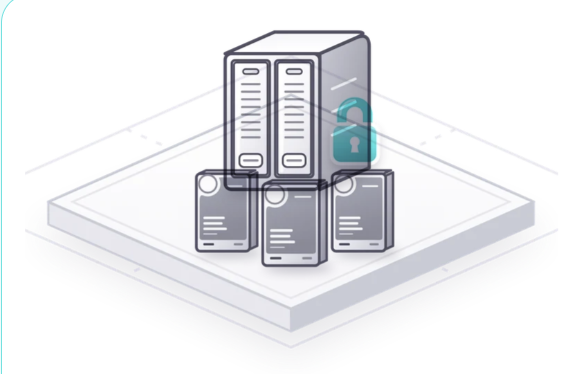
Brings the recovery vault online for the replication window only. The conduit is severed before the window expires.
ISO 27001 A.5.15
External auditors get a scoped, time-bound path into the evidence set, never to live production.

Capabilities
Six things FV-Relay gives a security team, from the first decision to the audit afterwards.
FV-Relay
Every Relay session has an explicit start time and end time, with the end enforced automatically.
FV-Relay
Sessions are tied to a named purpose, owner and scope rather than to a generic always-on tunnel.
FV-Relay
Opening a path requires the right approval pattern for that path, not just the requester’s intent.
FV-Relay
Sessions reach only the systems the work requires, not the wider zone they happen to traverse.
FV-Relay
When the window ends, the path closes. There is no manual cleanup to remember and nothing left for someone to discover later.
FV-Relay
Each session is recorded through Archive, including who requested it, who approved it and what occurred.

Adoption guide
Four steps, piloted on one workflow before it extends across the estate.
Inventory the connections that are currently always-on and categorise them by who they serve and why.
Define the purposes, owners, approval patterns and acceptable windows for each category.
Move a single standing path to a Relay session pattern, including the calendar, approval and evidential pieces.
Migrate remaining standing access onto Relay sessions and close the persistent paths.
Playbooks
Each playbook shows where this module sits in a real deployment, who authorises it and how a pilot scales into rollout.
Covers third-party support and engineering access as purposeful, time-bound connections rather than standing links.
Read the playbookDocuments supplier and maintenance access windows across a distributed aviation supply chain.
Read the playbookExplore more
Questions
For standing access, it can be. Instead of a persistent VPN, the owner approves a Relay session bound to a named partner, a named system and a defined window, and the path closes automatically when the window expires.
The end of every session is enforced automatically, so the path closes when the window expires. Continuing the work means a new, approved window, recorded like the first.
Yes. Operator emergency access is one of Relay’s conduits: time-bound break-glass access for incident response, with multi-party approval and full audit.
Firebreak severs the path. Relay is the controlled opening of a normally severed conduit, for the time the work needs, no longer, and it closes on its own.
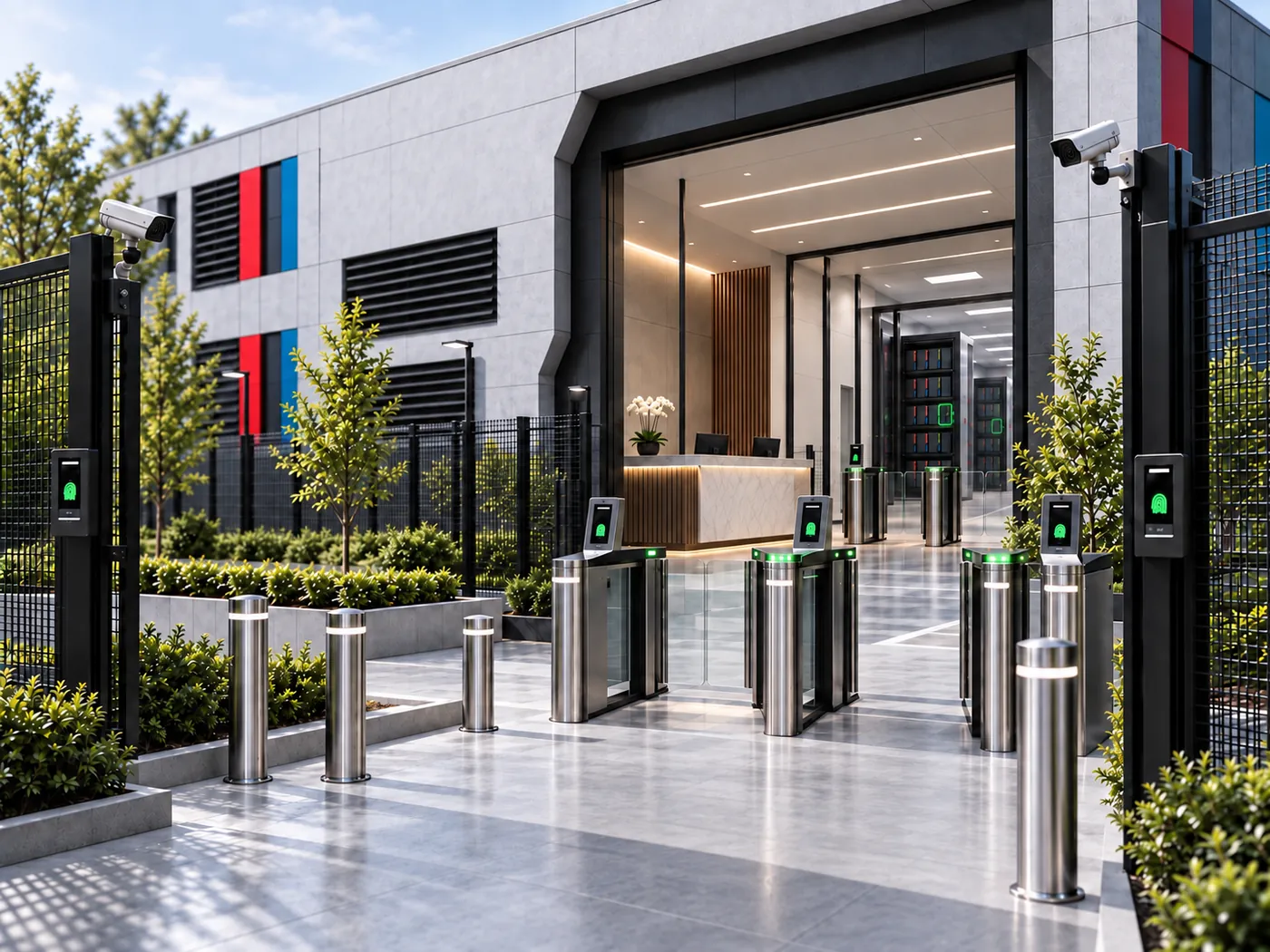
We will walk your architecture, show where FV-Relay sits on each path, and the evidence it leaves behind.