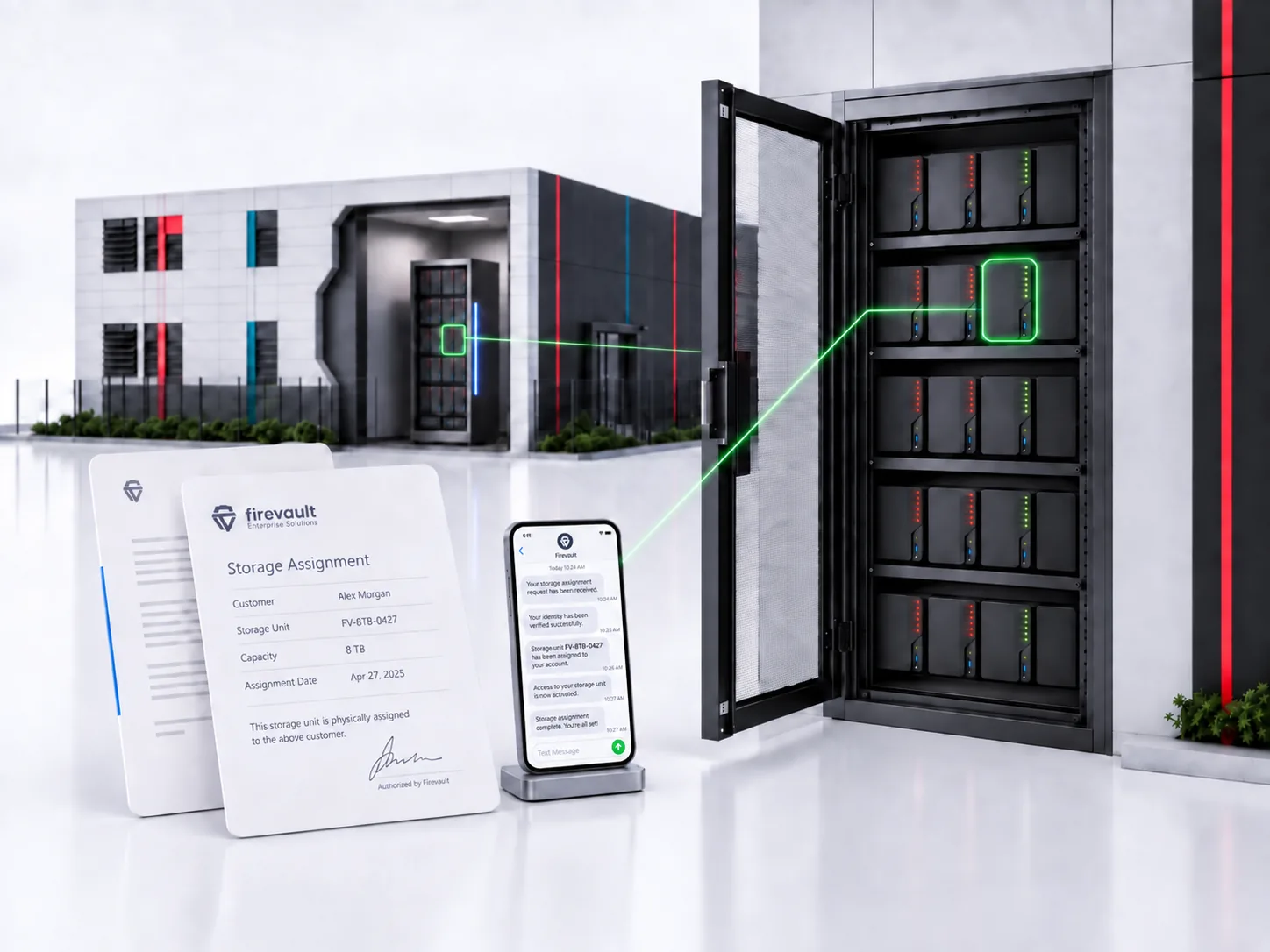
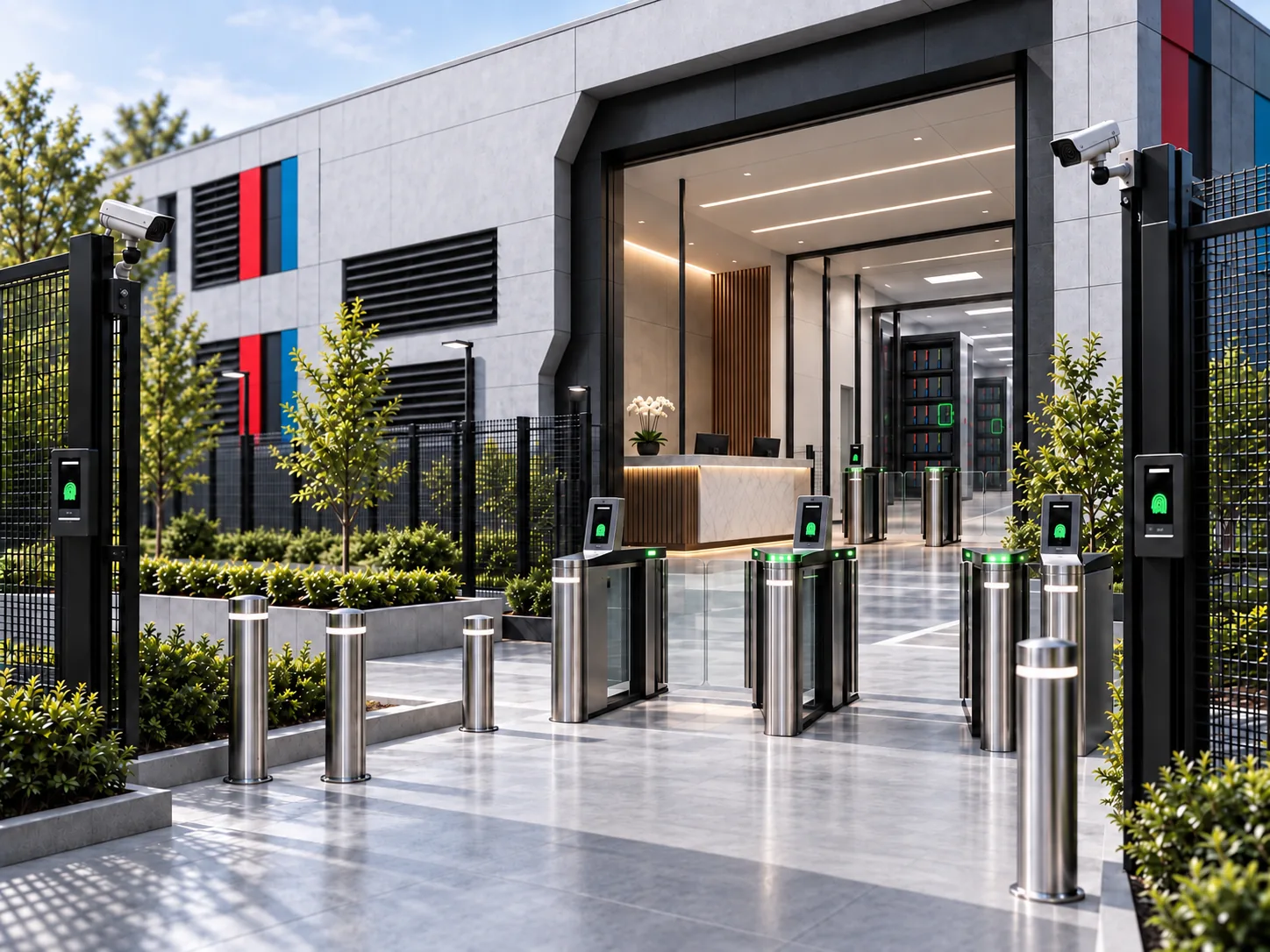
Your most valuable data does not always need to be online. OSS is physically and materially different: real storage, deliberately accessed and controlled, with the network path physically disconnected between sessions.
Four physical pillars. One deliberate change in how your data is held.
The difference that matters
Protect a connection. Or physically remove it.
Cloud storage, online backups and everyday systems are normally reached and managed through IP networks. OSS puts control of the physical connection outside that normal data path.
Your connected environment
IP controlled
The starting point
A network path remains available, defended by software and identity controls.
What protects it
Permissions, MFA, firewalls, monitoring and, where appropriate, immutability.
Where it belongs
Live systems and working data that people need continuously.
Offline Secure Storage
Non-IP controlled
The starting point
The physical data path is disconnected between authorised sessions.
What changes
An authorised out-of-band command controls the connection, not a rule on the normal IP data path.
Where it belongs
Selected recovery copies, retained records and high-value files.
Physically disconnected. No standing network path to the offline holding.
The copy is held on physical storage. It is not kept continuously reachable just because your everyday systems are online.
Non-IP describes the connection control, not the file-transfer session. Physical disconnection complements your existing security; it does not replace it.
Built on four physical pillars
A different physical foundation.
What holds the data. Who is accountable. How access is controlled. Where the hardware is protected. Each pillar has a distinct job.
Physical storage
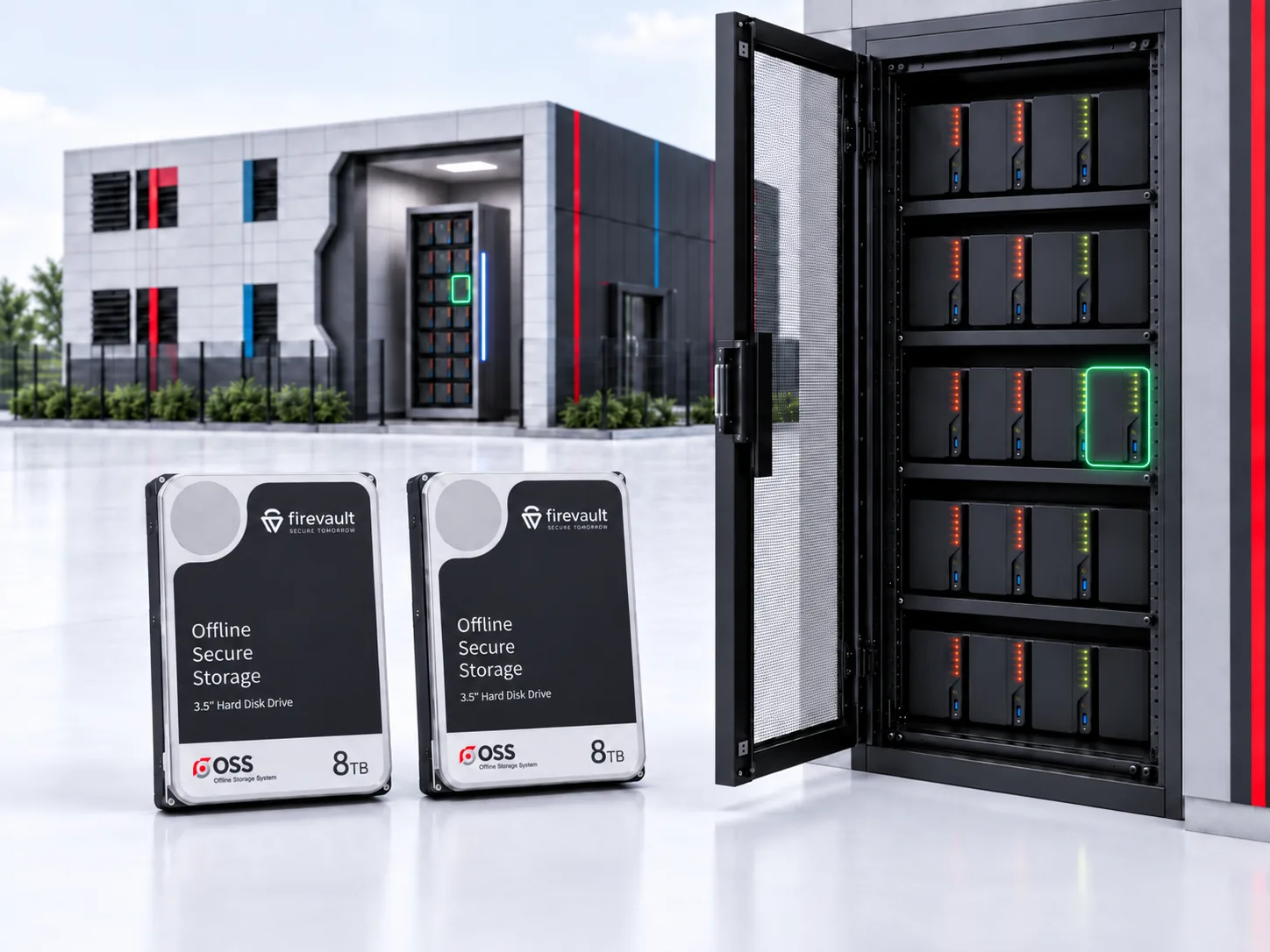
Real drives, not just a logical storage allocation. Vault uses dedicated paired drives; Storage and Enterprise are designed around your capacity and deployment needs.
The connection is physically disconnected when access is not required. An authorised out-of-band command enables access, separately from the normal data path.
The physical environment matters too. Firevault Bunkers provide controlled entry, monitored facilities and physical custody; other deployments require an agreed site design.
Using OSS means your selected data has an offline copy outside the standing network path, with a defined process for bringing it online when you need it.
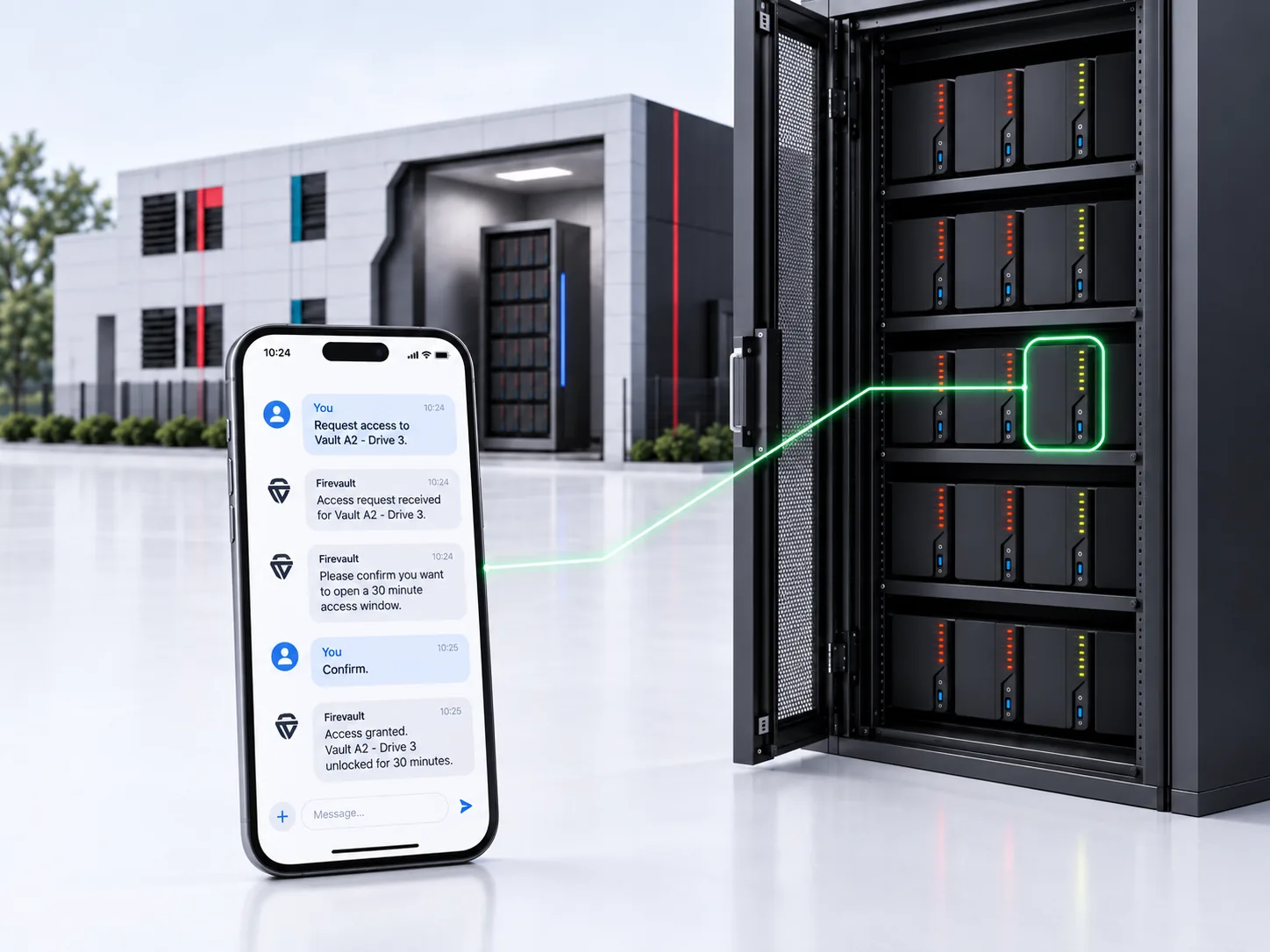
Authorise
The authorised holder requests access through the separate command path, within the access conditions of their product.
Access
Once connected, sign in with your credentials and MFA to use your files during the permitted session.
Return offline
When the session ends, the physical data path disconnects. The copy returns to its offline state.
Vault, Storage and Enterprise offer on-demand access. LUV has a nominated weekly access day. Sessions run for up to 120 minutes.
Keep working data online. Give critical copies another home.
A strong reason to consider OSS
Recovery copies you may need if the connected environment is compromised.
Client records, intellectual property and board papers whose loss would matter.
Retained records that do not need a permanent network connection.
Keep these in your live environment
Files your team edits and shares throughout the day.
Applications and services that require continuous availability.
Real-time operational data where interrupted access would disrupt the business.
An offline copy is only useful if it is current enough, trustworthy and recoverable. Agree what to copy, how often to update it and how you will test recovery.
Before you decide
The important questions.
Your next step
Choose what deserves to be physically offline.
Start with the files your business cannot afford to lose. Choose your OSS product and put deliberate access around that copy.

 OSS® / Why it is different